
Customer Inquiry
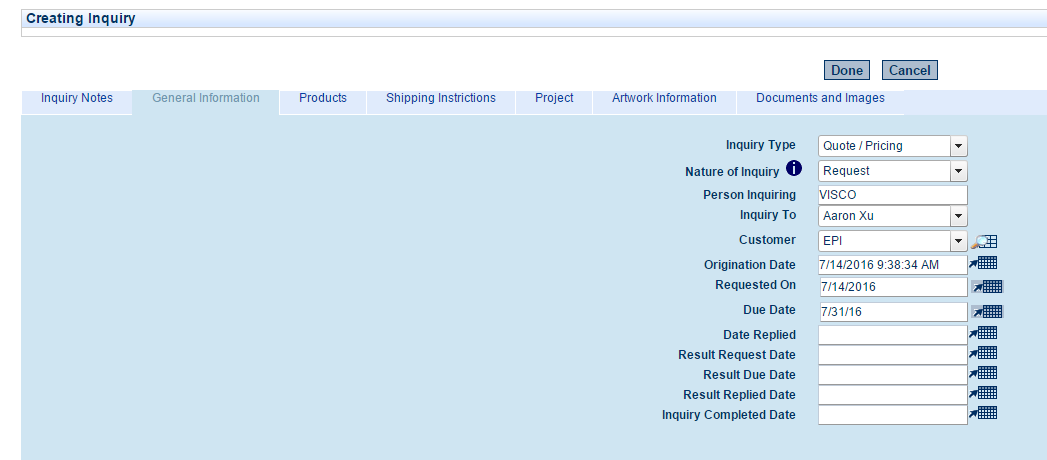
When customers want pricing for a new item or items they would like developed, that information can be input manually or uploaded via spreadsheet using the data import tools. The user will choose the customer (or prospective customer), the contact, and a due date for the customer inquiry. They can also assign the inquiry to another user for follow up.
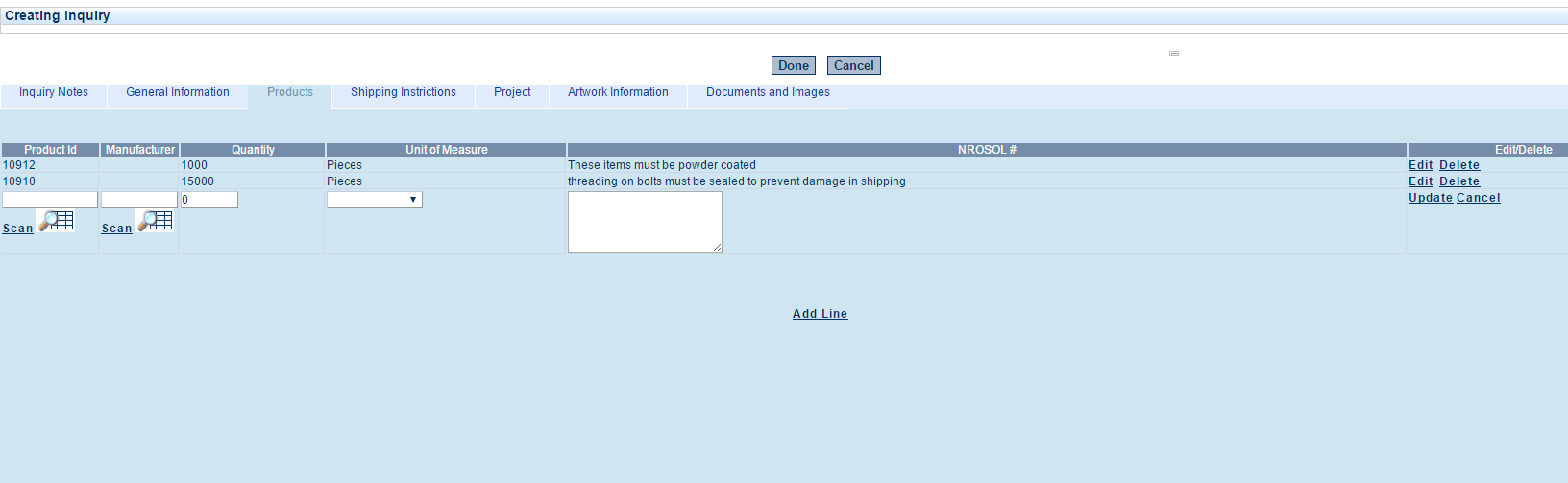
Next the user will input or upload via spreadsheet all the items that the customer is inquiring about:
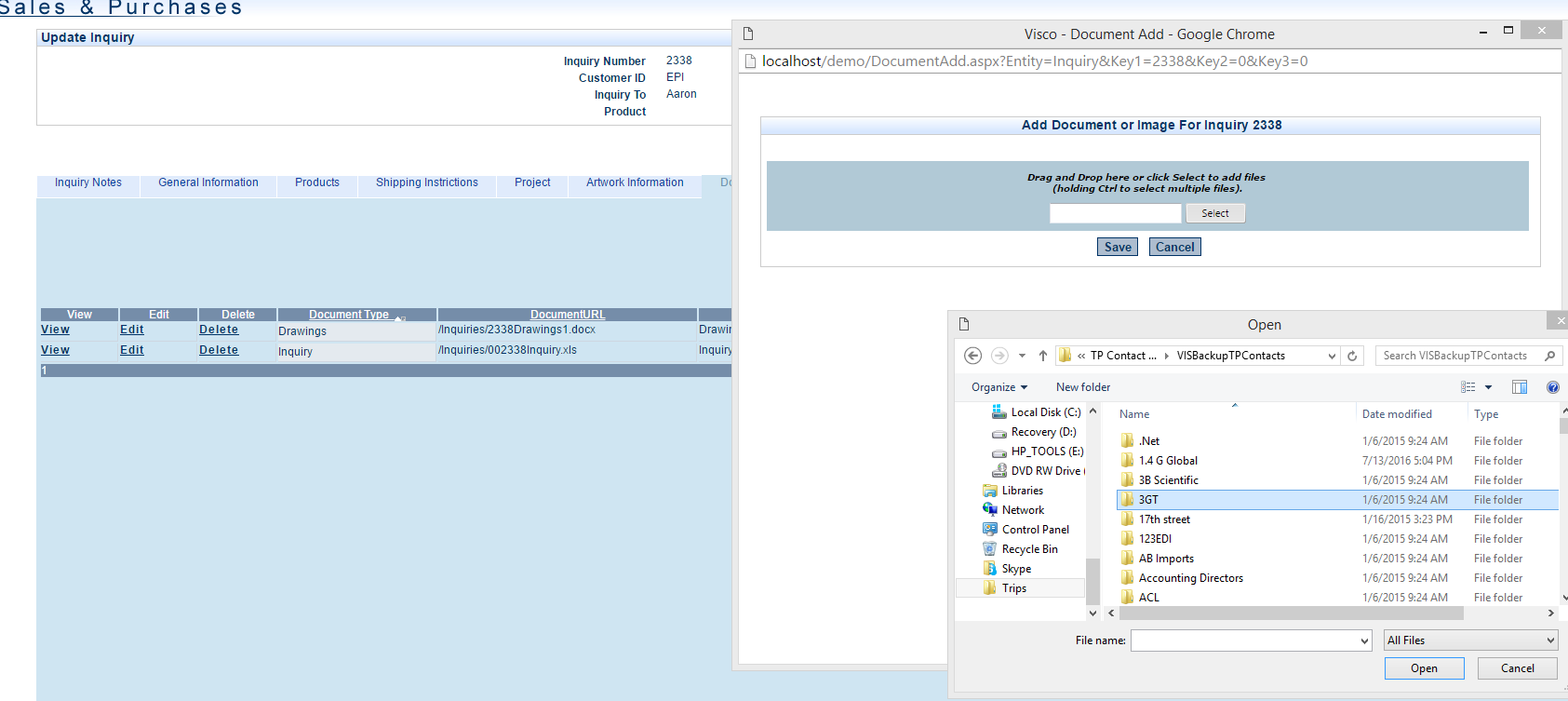
The user can also upload and attach any images, spec sheets or drawings associated with the items:
Then the system will automatically create an RFQ document which can be emailed out to suppliers to request pricing:

When the RFQ’s are returned from the suppliers these can be uploaded or entered using the Supplier Offers function