

Configuring VISCO to fit your company
Although the intensive configuration of the system is typically done during the implementation process, the configuration tools can be used to customize the software (typically without requiring a programmer) at any time.
The intensive configuration is typically done once the install is up and the data conversion is complete. These meetings are done with the System Administrator(s) along with the Implementation manager from VISCO and are designed to take the system from all of the default settings and fields . It’s also used as an administrator training session of the system, for us to review admin tools and basic functionality of the system. We will enter some basic sample transactions which are cleared before Go Live.
The configuration sessions usually involve five to six one hour phone/web conferences […]

Preparing Your Data for the Initial Data Conversion
Typically we will bring in the lists of Products, Customers, Vendors, Warehouses, Freight Carriers, and Contacts during the initial data conversion. Although complete data history can also be imported, this is not typical due to the added cost required to do this work during the implementation along with the fact this data can still be kept in the legacy system and referenced at a later date. In fact, if you are coming off of QuickBooks, as many VISCO users are, then you would in fact still be running QuickBookks along with VISCO moving forward.
To export these lists from QuickBooks you would:
Sign into QB as an Administrator. In most versions of QB, you must be in ‘single user mode’ to use Import/Export functionality. […]

Using VISCO in China
Many VISCO customers will have offices in China or will work with third party sourcing agents in China. In addition, when traveling through China users will regularly want to check inventory levels, check order history or the status of existing orders.
A common complaint that we receive is that when the application is hosted in the United States (for example for users on our cloud servers), is that speeds can be problematic.
A good test connection in China would probably mean you’ll need to upgrade your upload speeds on your connection in the US. If the download speeds are fine in China, then theoretically it’s the upload speeds from your actual server out to the internet causing the slow down, meaning a connection from anywhere […]
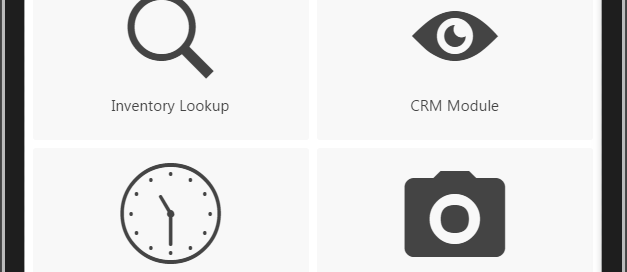
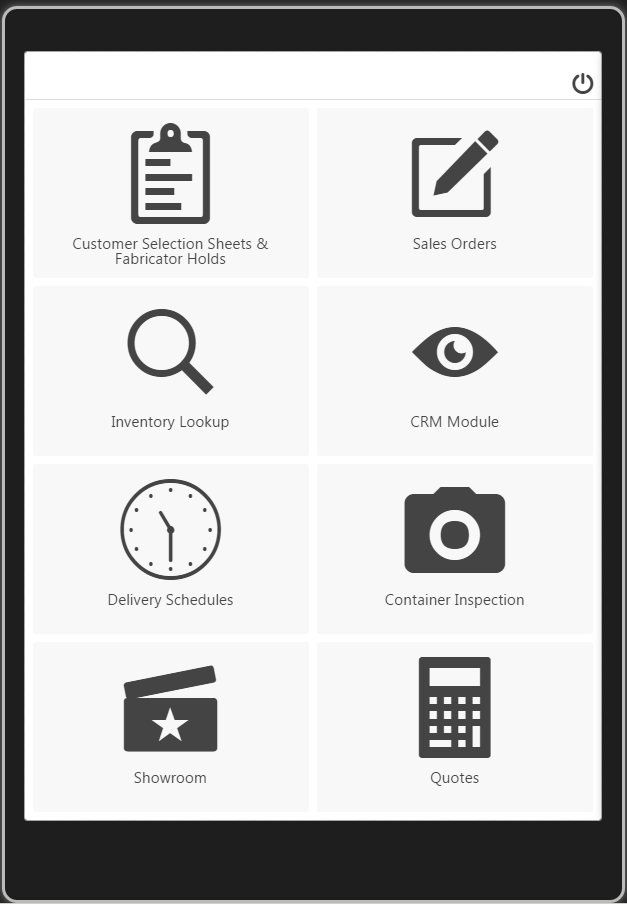
Upgrades to the Mobile App
In January of 2017 we are releasing a new version of the mobile platform. The new platform has an improved user interface, added CRM functionality including the ability to create and manage Inquiries and Quotes. In addition, the new app has tighter integration with mobile features already built in from the device including emailing and calling from your phone to auto generate inquiries in the system to simplify CRM tracking with minimal input from the user.
CRM
The CRM app has enhanced functionality designed for Sales Reps in the field. Now the app allows users to pull up customer information and add new customers. When in a customer record the user has the option to see a history of all communications with this customer […]

Tracking and Costing Inventory at the individual unit level
One of the more unique offerings from the VISCO software is the granularity of the inventory tracking. Of course individual unit level tracking is not for everyone, but if your inventory varies in terms of value, weights or sizes from piece to piece then finding a software that can manage this is quite challenging.
An example of this is a customer that running the system that is in the steel coil business. They buy the steel in Metric Tons and Sell thesteel by LBS so all pricing must by by weight. However, the steel itself comes wrapped in big coils so the inventory must be kept by PC.
Each coil in inventory has its own unique number, and associated with each coil is the total […]

What to Expect During Your Software Training
One of the final steps in any ERP implementation is going to be your training and is usually done the week before the expected go live date. The training can be done online or onsite although at VISCO our customers request us to come onsite for the training approximately 80% of the time.
Online Training-When doing the training online, you can expect user attention spans to be shorter as the presentation is less engaging and if the user is learning about parts of the system that they do not expect to use they will tend to tune out within minutes. For this reason we suggest doing multiple sessions and keeping each session short (1-2 hours) and only having the users who be using […]

Delivery Planning Tools Designed to Help Distributors With Their Own Trucking Fleets
Distributors who are shipping orders out of their own warehouse need tools to help them organize which orders will be going on which trucks and decide what order the driver should make each stop. We have released a new set of tools designed to be used by both the warehouse manager as well as the drivers to help in this process:
The load planning tool:
This tool is designed to be used by the warehouse manager or delivery planning personnel to group together orders in specific trucks based on location, order size and weight, as well as the customer delivery needs (Delivery Window, and Delivery Instructions). As Sales Orders are allocated against inventory and released to the logistics teams they will begin to appear […]

Email Integration
One of the most common questions that new VISCO users will ask is to clarify how the integration with email works. Considering the number of variables and options, it makes sense to document these options and present them in our blog.
To start with, it is important to understand the options available in terms of what the email address will be for the sender and what the email receiver will see. One option is that we can use a custom email address as the sender which can be integrated with your existing emailer service. So if your domain is metalcompany.com you can have an email address such as documents@metalcomapny.com. To establish this will require an integration with your emailer service.
Another option is to […]

Trace Register Integration
We are excited to announce that we have worked with the Trace Register team to develop a fully integrated traceability solution. VISCO users that are currently selling into or would like to sell into high end grocery store chains can benefit from this integration.
Trace Register offers digital traceability on food products ultimately allowing consumers to fully understand the origin of their food along with the supply chain used to get it there. Many of the higher end Retailers are now requiring their distributors to provide them with Trace Register information to be able to sell to them.
The integration allows VISCO users to post invoices as they normally do, but in addition to posting invoice information to QuickBooks (or other accounting system), the […]
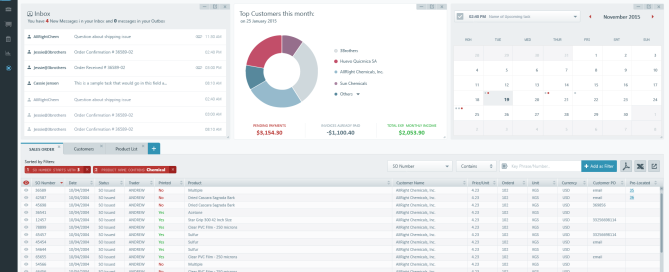








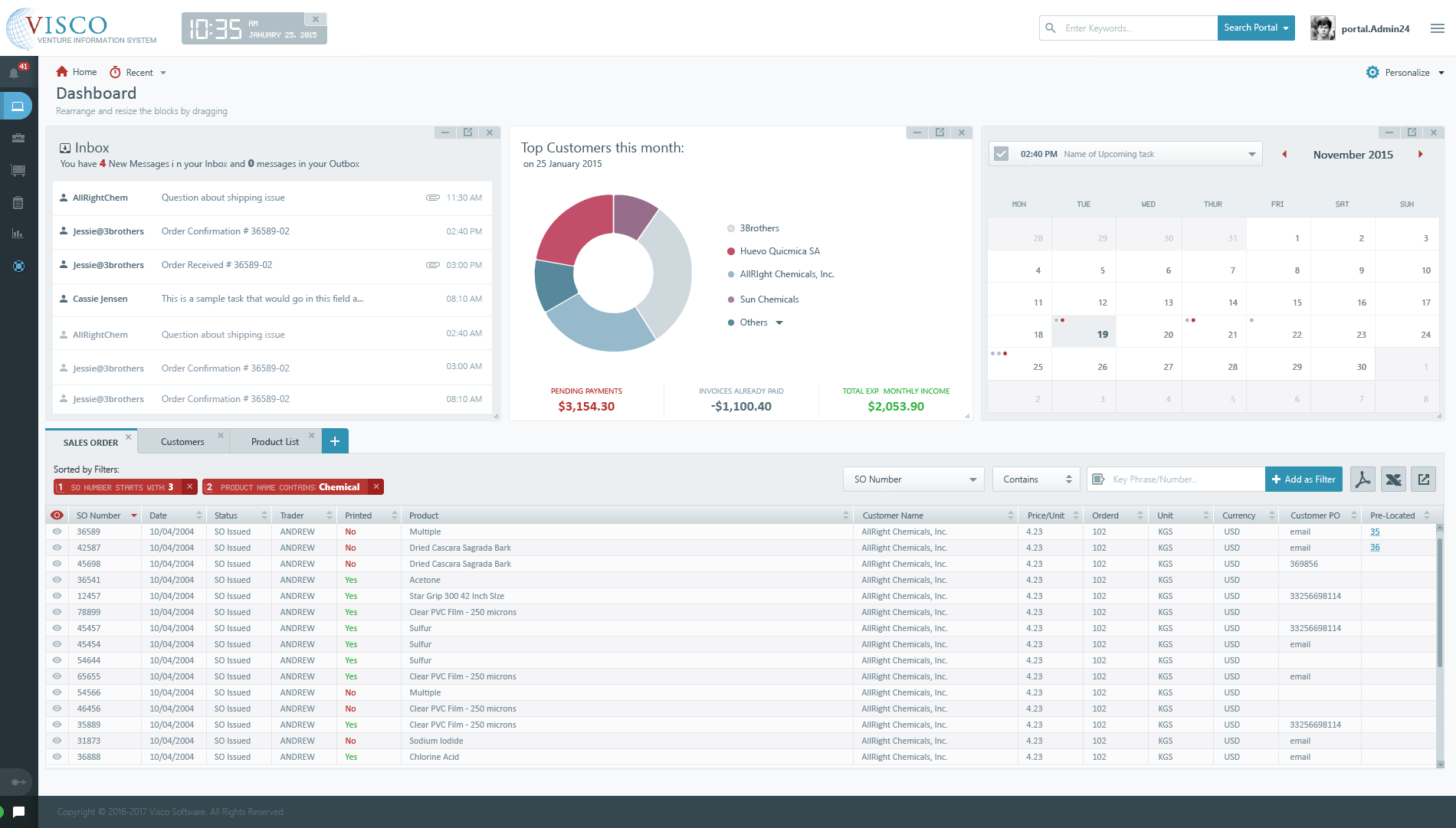
Interface Redesign
VISCO 5.0 Interface redesign scheduled to release in Q2 2017
The VISCO Development Team is hard at work on the interface redesign project.
What are the improvements?
Several Design improvements will streamline to order entry, reduce overall clicks by 40-50%, improve load times on the pages and improve the usability of the application. We have eliminated many of the sub menu’s and instead are moving more of the menu options into the edit screens themselves so the user no longer has to move through the steps of processing Sales and Purchases in a linear process.
Technology
Although we are keeping the database in SQL Server, we have elected to move the application layer into VB.NET and the front end into HTML5 and AgularJS. These newer […]