
Customer PO Autofill · Beta
Customer purchase order OCR for VISCO sales orders
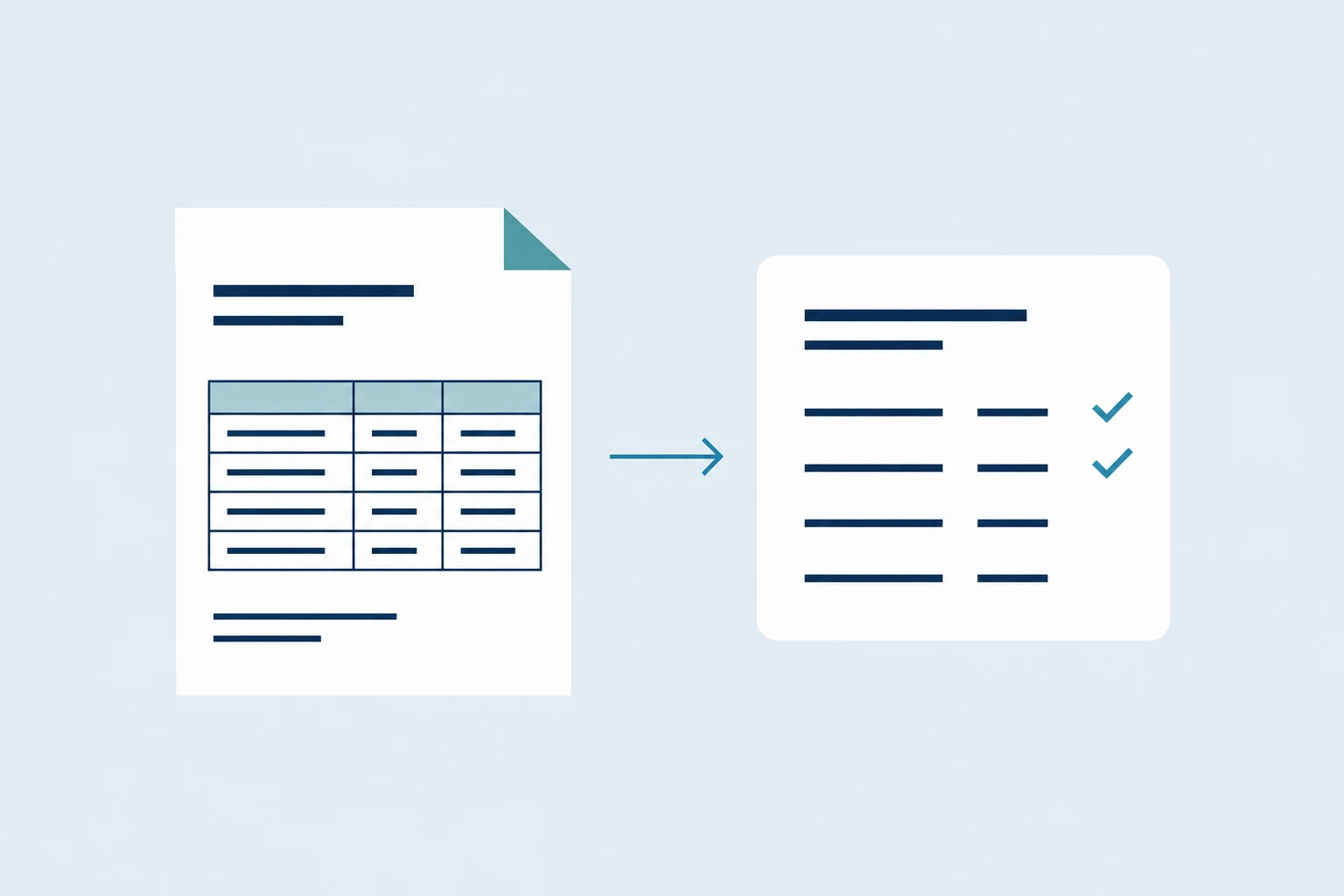
VISCO Global Trade ERP uses optical character recognition (OCR) to read scanned customer purchase orders. Attach a customer PO as a PDF and VISCO can draft the sales order header and line items. Your team reviews flagged details and confirms what goes onto the order.
What VISCO can fill in
VISCO reads standard PDFs and uses optical character recognition (OCR) on scanned or image-only PDFs.
- Order details. Capture the customer PO number, order date, currency, payment terms, remarks, and ship-to and bill-to addresses when VISCO can read them confidently.
- Line items. Draft product descriptions, quantities, units of measure, and prices. VISCO matches products to your catalog where it can.
From attached PO to sales order
- Attach the customer’s PO to the sales order in VISCO.
- In General Information, click Upload Customer PO.
- Read the summary to see what VISCO filled in and what needs confirmation.
- Open OCR Review to check flagged lines against the PO. Choose the correct catalog product from the dropdown where needed and approve the line to write the confirmed values to the order.
VISCO remembers confirmed product matches for that customer’s future orders. Low-quality scans can send more lines to review, and your team can adjust the order before finalizing it.
See Customer PO Autofill in action
Walk through a sample customer purchase order, from the original PDF to the fields VISCO fills in and the product matches your team reviews. Customer PO Autofill is currently in beta and rolling out to an initial group of users.